
Sage Intacct AP Integration

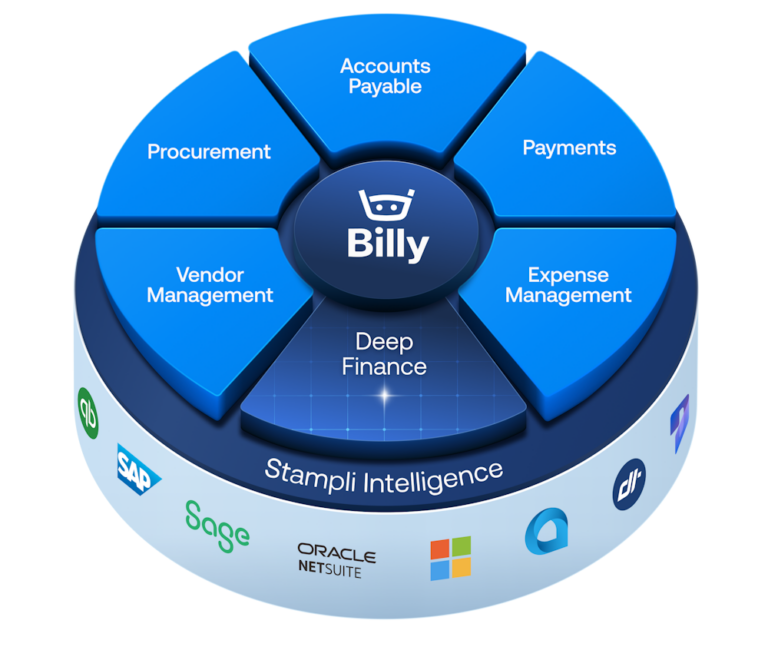
The intelligent Procure-to-Pay platform,
tuned for Sage Intacct

Keep your Intacct entities, dimensions, Smart Rules, POs, and security intact with a Sage-recommended solution.

Built for your Intacct, exactly as you configured it

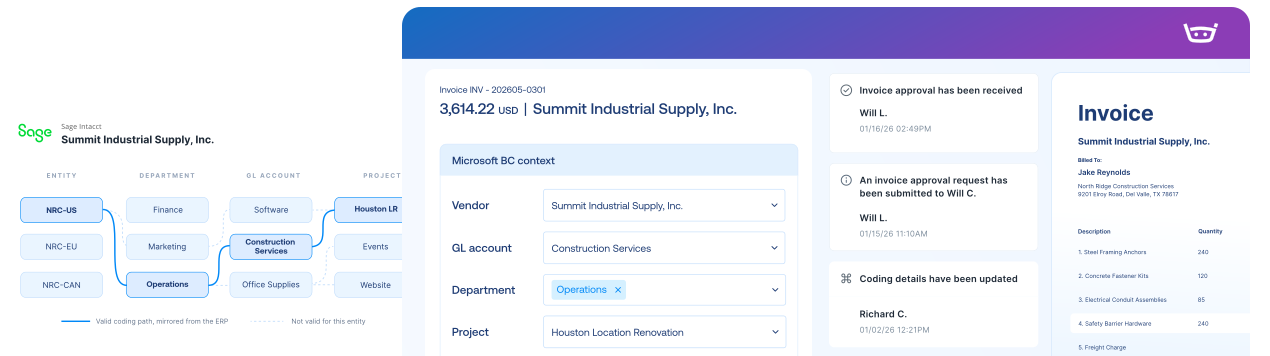
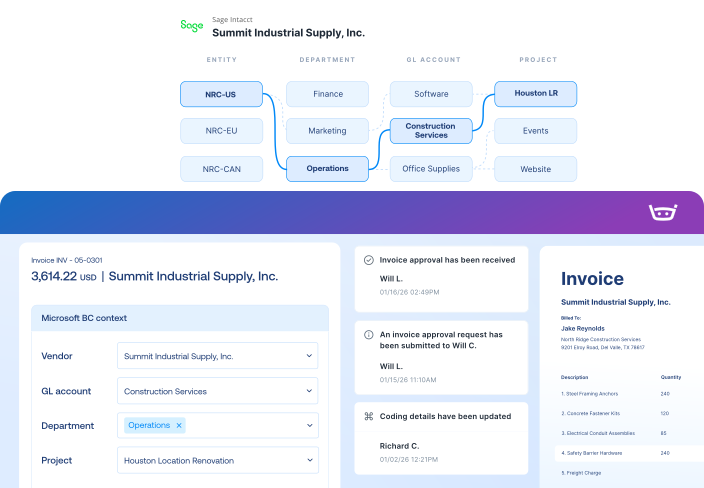
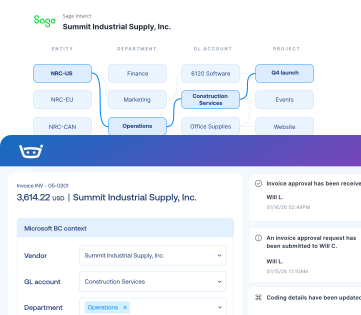
Keep every dimension connected

Code and approve using Intacct’s entities, dimensions, projects, and Smart Rules, without flattening the structure finance governs.

Resolve mismatches before approval

Match invoices to POs and receipts with two- and three-way matching, surfacing discrepancies before approval.

Trace every posting back to source

Validate fields, mappings, amounts, and taxes before export, with exceptions flagged for your team’s review and approval.

Deep Sage Intacct integration

Stampli connects directly to Sage Intacct through cloud-to-cloud Web Services, bringing ERP context into AP and sending approved records back.
Sage Intacct
Stampli
Lists
Vendor Lists
Vendor Lists
GL Accounts
GL Accounts
Open POs, Line Items, Receipts
Fields, Custom Fields (Dimensions, 1099, Company Code, etc.)
Payments
Posted Purchase Invoice
Invoice Authorized for Payment
Link to Stampli Invoice
Link to Sage Intacct Invoice
Business Payment
Stampli Payment
Link to Stampli Payment
Link to Intacct Payment

Keep every invoice moving with Intacct context

Stampli runs the invoice-to-pay workflow, while Sage Intacct remains your system of record for vendors, dimensions, invoices, and payments.

Capture every invoice path

Collect invoices from email, upload, vendor portal, CSV, and other configured intake channels.

Work invoices with Intacct context

Code, match, approve, and resolve exceptions with vendors, dimensions, POs, receipts, jobs, items, and charges in view.

Send validated records to Intacct

Export approved invoices, credits, coding, documents, and payment records back to Sage Intacct.

Keep vendors updated

Share invoice status, questions, and payment updates through vendor email and portal workflows.

67 restaurants. One four-day card close.

Receipts, coding, policy decisions, approvals, and
audit history travel with every expense into Sage Intacct
or payroll process.

“We’ve gotten our card closing down to 4 days.”

Amanda Brown

Controller, Wenspok Companies

73% faster

Faster PO & invoice retrieval

65% increase

Saved across Procure-to-Pay

87% quicker

Average days to approval

The intelligent Procure-to-Pay platform

Sage Intacct FAQs FAQs

Stampli uses a pre-built cloud-to-cloud Web Services integration with a dedicated Intacct Web Services user and configured permissions. Approved records can synchronize back to Sage Intacct, which remains the financial system of record.

The Intacct context finance actually uses. Depending on enabled modules and implementation configuration, Stampli can sync entities, locations, departments, classes, custom fields, vendors, GL accounts, projects, tasks, cost types, customers, employees, items, units of measure, warehouses, terms, tax details, currencies, payment accounts, POs, receivers, and payment status. Frequent refreshes and on-demand syncs keep workflows current.

Yes. Stampli works within your Intacct logic, not around it. It carries dimensions and configured header- or line-level custom fields into the workflow, filters choices to valid combinations, and supports project and vendor defaults. Smart Rules can continue to run when records are exported through the configured Web Services user, so the controls finance built into the ERP stay in place.

Yes. Stampli supports parent-child entities, single-entity environments with multiple locations, Intacct Console and multi-entity structures, entity-level access restrictions, GL segmentation, and intercompany lines. Finance gets one standardized workflow without forcing every entity into the same mold.

Yes, and the match goes well beyond "PO found." Stampli works with open Intacct POs, header and line details, and receiving records for two-way and three-way matching. It supports partial receipts, one PO across multiple invoices, and one invoice across multiple POs when Intacct multi-document conversion is enabled, along with work orders, taxes, and subtotals where configured.

By being deliberately particular. Before export, Stampli validates configured required fields, mappings, valid combinations, duplicate signals, amounts, tax and 1099 details, and other Intacct logic. After an AP bill is created, Stampli can recheck the record against the allocation, accounts, and fields it sent, to help detect unexpected drift. People still review exceptions and retain final approval.