

Business Central AP Automation Integration
Go Beyond the
General Ledger
Keep dimensions, jobs, items, assets, POs, receipts and more in native context.
Built for the way Microsoft BC teams actually run AP
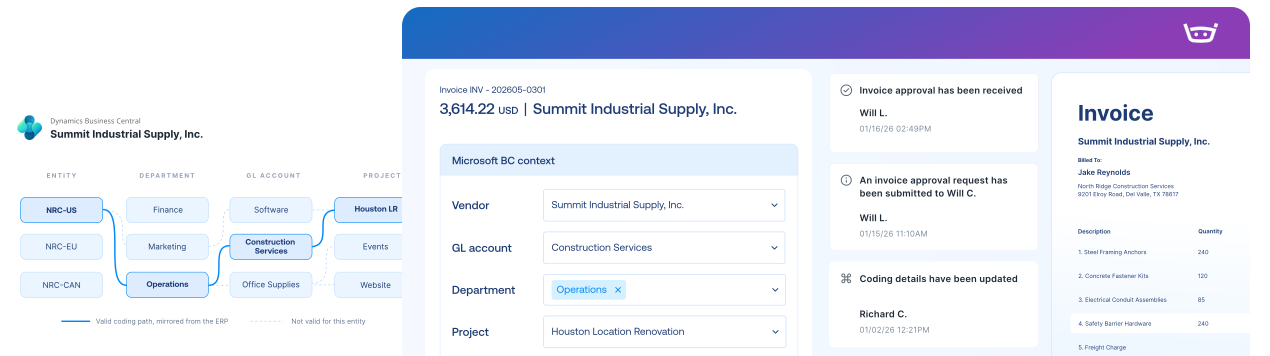
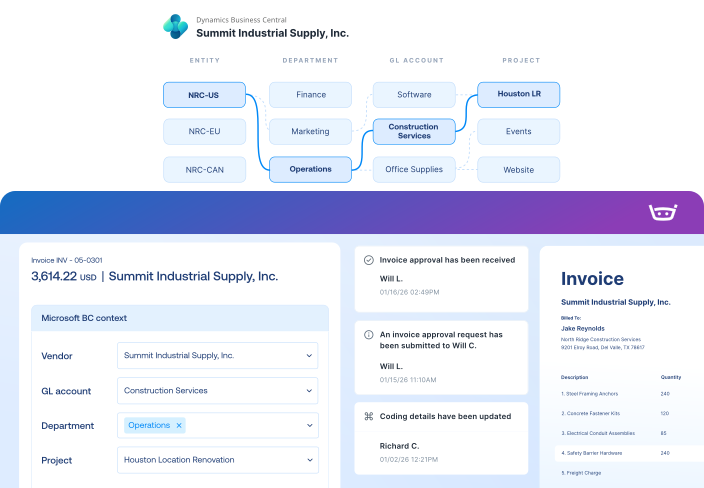
Keep BC context in every invoice decision
Bring companies, vendors, dimensions, POs, and receipts into AP so teams can make decisions with the right Business Central context.
Allocate costs to the right BC records
Fit the Business Central setup you actually use
Keep invoice context moving between Stampli and BC
“Our old system wasn’t connected to our ERP (Microsoft BC) at all. Every day we spent hours extracting data, downloading it, and importing it just to get invoices posted.”
Keep every invoice moving with BC context
Capture every invoice path
Work invoices with BC context
Send validated records to BC
Keep vendors updated
America’s Auto Auction connected AP to Microsoft BC and kept scaling.
“Stampli was the only platform we found that could directly connect with our ERP, and that alone saved us at least 10 hours a week. As we’ve grown and added more auctions, Stampli has grown with us. The volume increased, but the process didn’t break, and we didn’t have to increase headcount to keep up.”
Adriane Lohsl
Accounts Payable Manager at America’s Auto Auction
10hrs/wk
Saved with direct ERP connection
32,000
invoices/month automatically processed
22 → 50
Locations: growth with same headcount
The intelligent Procure-to-Pay platform
Microsoft BC FAQs FAQs
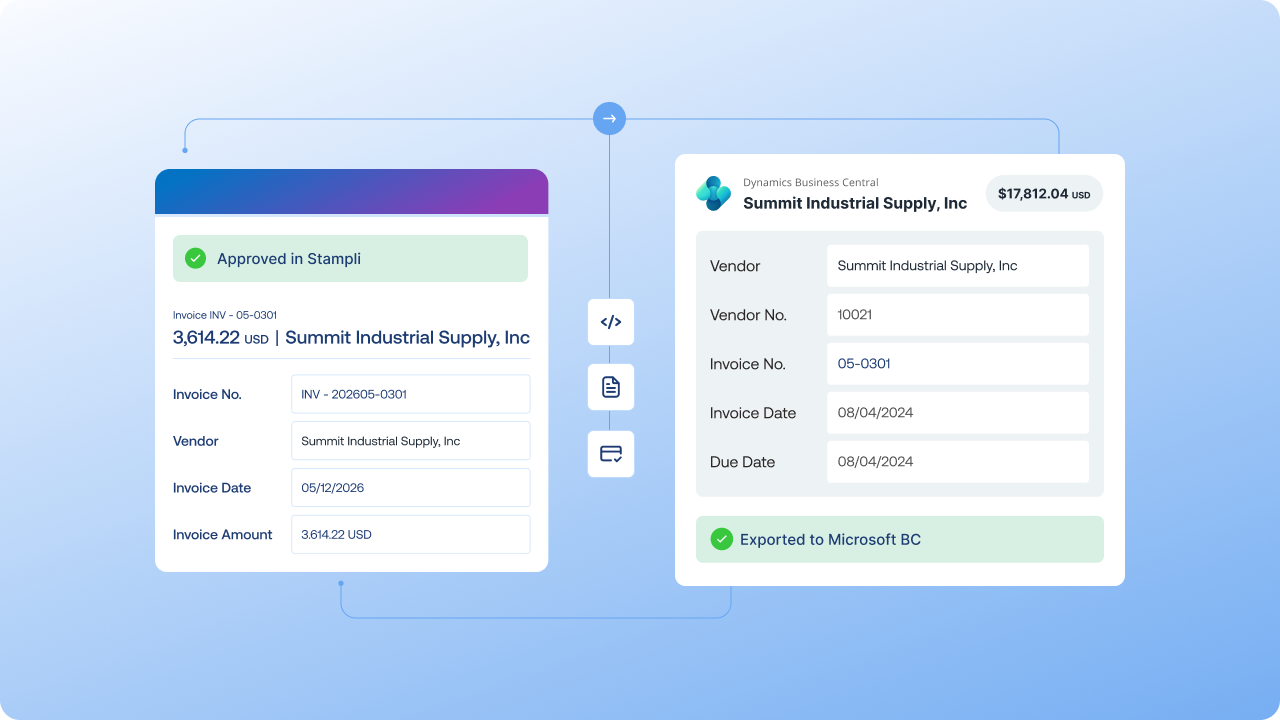
Stampli syncs configured Business Central data, including vendors, general ledger accounts, dimensions, open purchase orders, line items, and receipts, into the invoice workflow. After human review and approval, configured invoice and payment records sync back to Business Central, which remains the financial system of record.
Yes. Stampli can bring configured Business Central dimensions, general ledger accounts, companies, projects, vendor defaults, and other coding fields into the invoice workflow. Finance teams can review and approve the coding before the completed record syncs back to Business Central.
Stampli can map selected custom fields and third-party extension data when those fields are supported by the configured integration. The exact mapping and any required development depend on the Business Central environment, deployment, extension, and field availability, so the scope should be confirmed during implementation.
Stampli supports multi-company accounts payable workflows while keeping company-specific vendors, dimensions, approvals, and accounting context organized. The final setup depends on how the companies and permissions are configured in Business Central.
Stampli checks configured required fields and mappings against Business Central context during invoice processing. Exceptions can be corrected before review and approval, and only configured approved records are sent back to Business Central. Human review and approval remain in control.
Yes. Stampli can match invoices to open Business Central purchase orders, line items, and receipts when those records are available and the workflow is configured for matching. Finance teams can review discrepancies and resolve exceptions before approval and sync, while non-purchase-order invoices can follow separate configured workflows.
Stampli Wins “Best Accounts Payable Platform Integrations” in 2024 FinTech Breakthrough Awards