

SAP ECC Integration
Modernize AP without rebuilding SAP
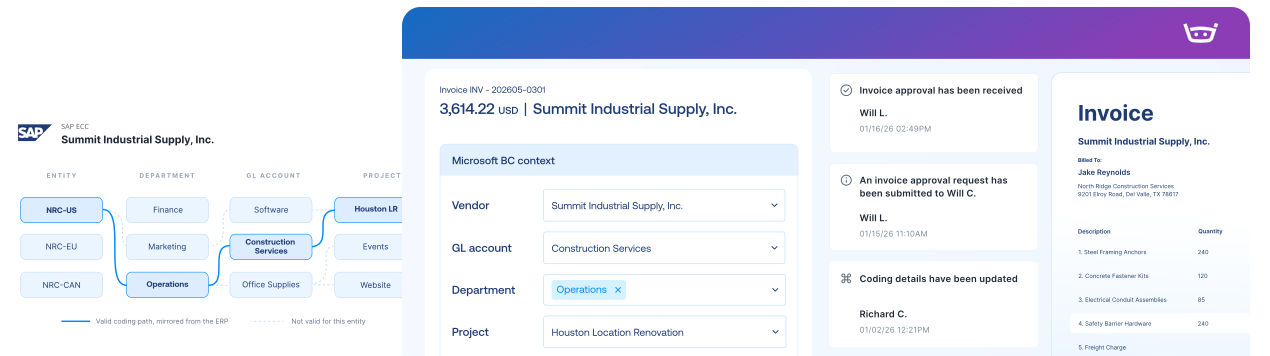
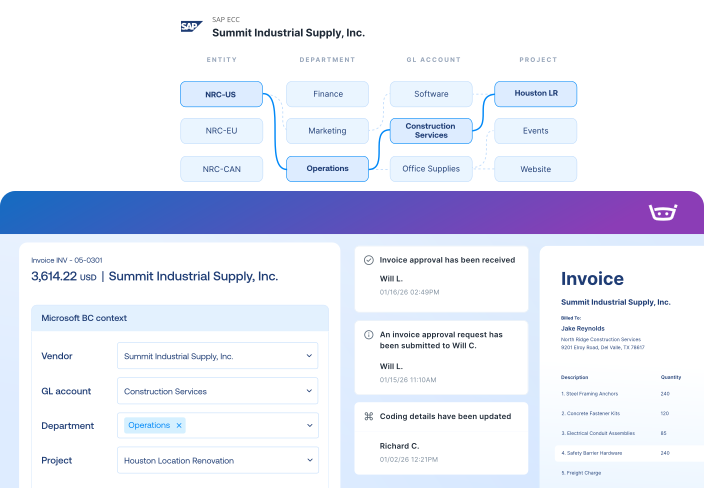
Bring company codes, cost objects, POs, receipts, and service entries into one invoice workflow. SAP keeps the record. Your team gets a much better way to create it.
SAP ECC has the structure.
Stampli brings it to the invoice.
Right company. Right cost object.
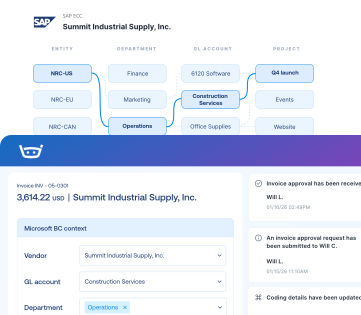
Keep invoices tied to the correct company code, GL account, cost center, WBS element, internal order, or profit center.
Match what arrived and what was accepted
Review POs, goods receipts, service entry sheets, limits, quantities, and amounts before the invoice moves forward.
When the invoice forgot the PO number
Find the right PO using a bill of lading, delivery note, service entry sheet, or outbound delivery.
SAP ECC integration
“For the volume we manage today, we'd likely need one or two additional people without Stampli.”
Keep every invoice moving with SAP ECC context
Capture every invoice path
Work invoices with ECC context
Send records to ECC
Keep vendors updated
1,000+ invoices. 71 locations. Two people in AP.
Billy handles repetitive work, helping Advance Financial avoid 1-2 hires and cut AP analysis from two days to two hours.
“Stampli has given us the opportunity to focus on learning, improving processes, and taking on new responsibilities.”
Elizabeth Wallin
AP Manager, Advance Financial
$100k
Saved per year in labor costs
8-10 hrs
Reclaimed every month
2 hrs
AP analysis (down from 2 days)
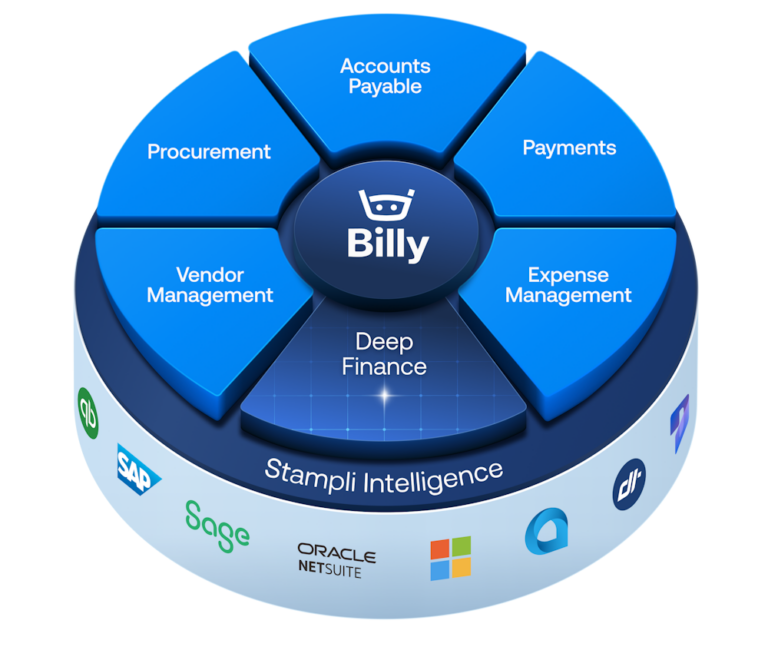
The intelligent Procure-to-Pay platform
SAP ECC FAQs FAQs
Stampli connects through a customer-installed SAP transport and the Stampli Bridge Connector using SAP’s established connection protocols. The integration moves configured accounting, purchasing, receiving, invoice, and payment data between Stampli and ECC
Yes. Company codes can be connected and configured individually so invoices use the appropriate vendors, accounting structures, purchasing data, and posting rules for each company.
Depending on your SAP configuration, Stampli can work with cost centers, profit centers, internal orders, WBS elements, networks, activities, and profitability-segment fields.
Yes. Stampli can bring planned-service and limit PO information together with service entry sheet quantities, amounts, and account assignments for invoice review and matching.
Users can search imported SAP purchasing documents using references such as a bill of lading, delivery note, service entry sheet, or outbound delivery to locate the corresponding PO.
The integration team validates your ECC version, transport requirements, company codes, roles, tax setup, PO types, custom fields, and posting rules. Because SAP environments differ, the supported scope and mappings are confirmed before launch.