

Oracle Fusion Cloud ERP Integration

Oracle Fusion has rules.
Keep them with the invoice.

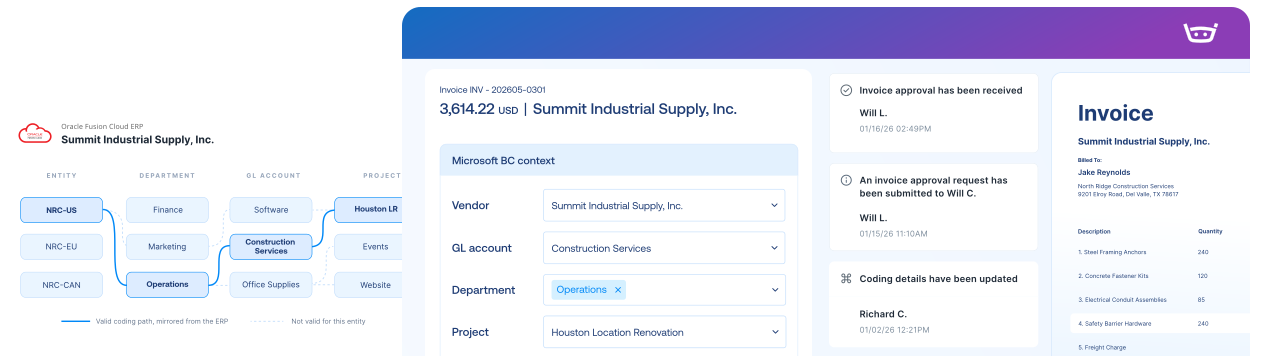
Bring Oracle structure into every invoice decision, then send the approved record back with its accounting context intact.

Your Oracle setup is complex for a reason

Keep every invoice with the right entity

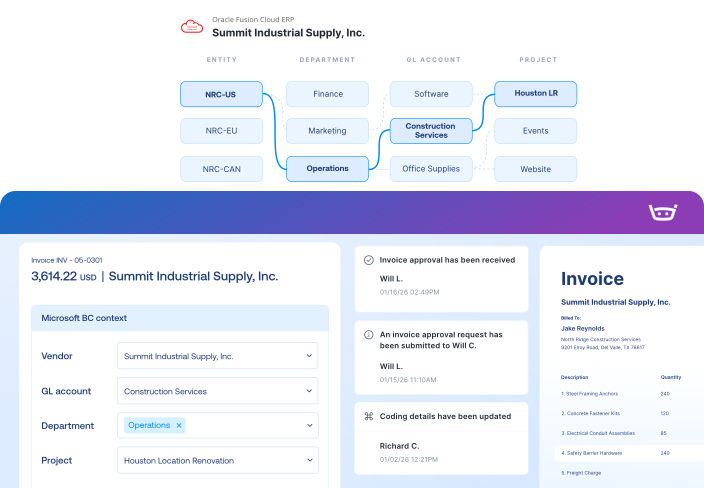
Keep each invoice tied to the right ledger, entity, supplier, and site.

Show the accounting before approval

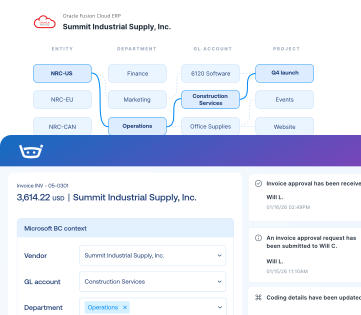
Review distribution sets, flexfields, and allocations before approval.

Match what was ordered with what arrived

Compare each invoice with its PO lines, quantities, and receipts.

Oracle Fusion integration

Bring Oracle accounting and purchasing context into the invoice while Fusion remains the system of record.
Oracle Fusion
Stampli
Lists
Vendor Lists
Vendor Lists
GL Accounts
GL Accounts
Open POs, Line Items, Receipts
Fields, Custom Fields (Dimensions, 1099, Company Code, etc.)
Payments
Posted Purchase Invoice
Invoice Authorized for Payment
Link to Stampli Invoice
Link to Oracle Fusion Invoice
Business Payment
Stampli Payment
Link to Stampli Payment
Link to Oracle Fusion Payment

Keep every invoice moving with Oracle Fusion context

Stampli runs the invoice-to-pay workflow, while Oracle Fusion remains your system of record for vendors, distributions, invoices, and payments.

Capture every invoice path

Collect invoices from email, upload, vendor portal, CSV, and other configured intake channels.

Work invoices with Fusion context

Use distributions, flexfields, project fields, allocations, and custom-field context while coding and approving invoices.

Send records to Fusion

Export approved vendor bills, credits, coding, and supported payment records while keeping transaction status and links connected between systems.

Keep vendors updated

Share invoice status, questions, and payment updates through vendor email and portal workflows.

1,000+ invoices. 71 locations. Two people in AP.

Billy handles repetitive work, helping Advance Financial avoid 1-2 hires and cut AP analysis from two days to two hours.

“Stampli has given us the opportunity to focus on learning, improving processes, and taking on new responsibilities.”

Elizabeth Wallin

AP Manager, Advance Financial

$100k

Saved per year in labor costs

8-10 hrs

Reclaimed every month

2 hrs

AP analysis (down from 2 days)

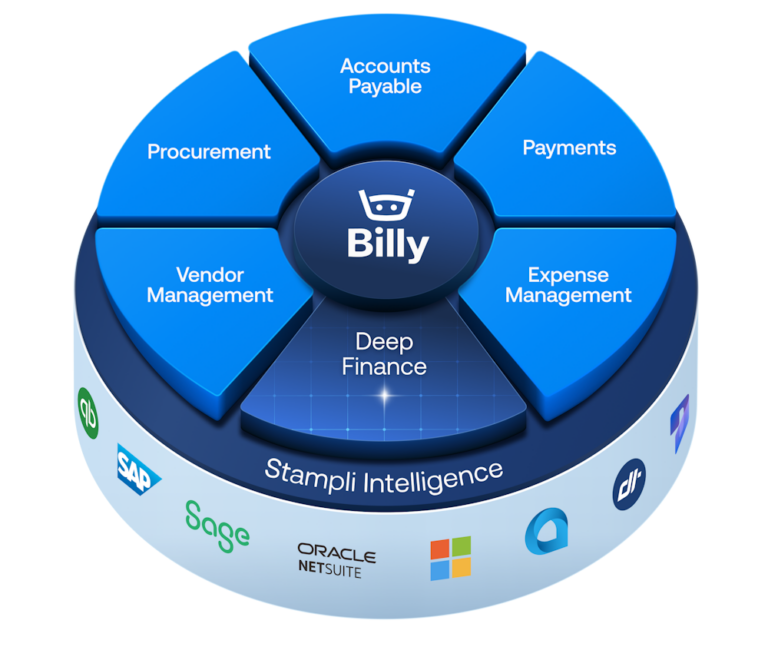
The intelligent Procure-to-Pay platform

Oracle Fusion FAQs FAQs

Stampli uses a direct connection built with Oracle REST APIs and BI Publisher services. It exchanges configured accounting, purchasing, invoice, and payment data while Oracle Fusion remains the financial system of record.

Yes. Supported configurations can connect multiple ledgers, business units, and legal entities in one Stampli account while maintaining the relationships needed for invoice coding and review. The exact structure is validated during implementation.

Supported Oracle distribution sets can be brought into invoice coding and allocation workflows. Stampli can also map supported descriptive flexfields. Coverage and direction depend on the field, transaction type, and Oracle configuration.

Stampli supports configured project, task, and expenditure-type fields in Oracle Fusion invoice workflows. Supported relationships between those fields depend on the customer’s configuration and are confirmed during discovery.

Yes. Stampli can bring Oracle purchase orders, line details, charge accounts, item receipts, and matching information into the invoice workflow. Supported two- and three-way matching helps finance teams find and resolve discrepancies before approval.

The pre-built connection gives the implementation team a head start. The final timeline depends on your Oracle environment, including organizational structures, supplier sites, flexfields, distribution logic, purchasing workflows, security requirements, and posting rules.