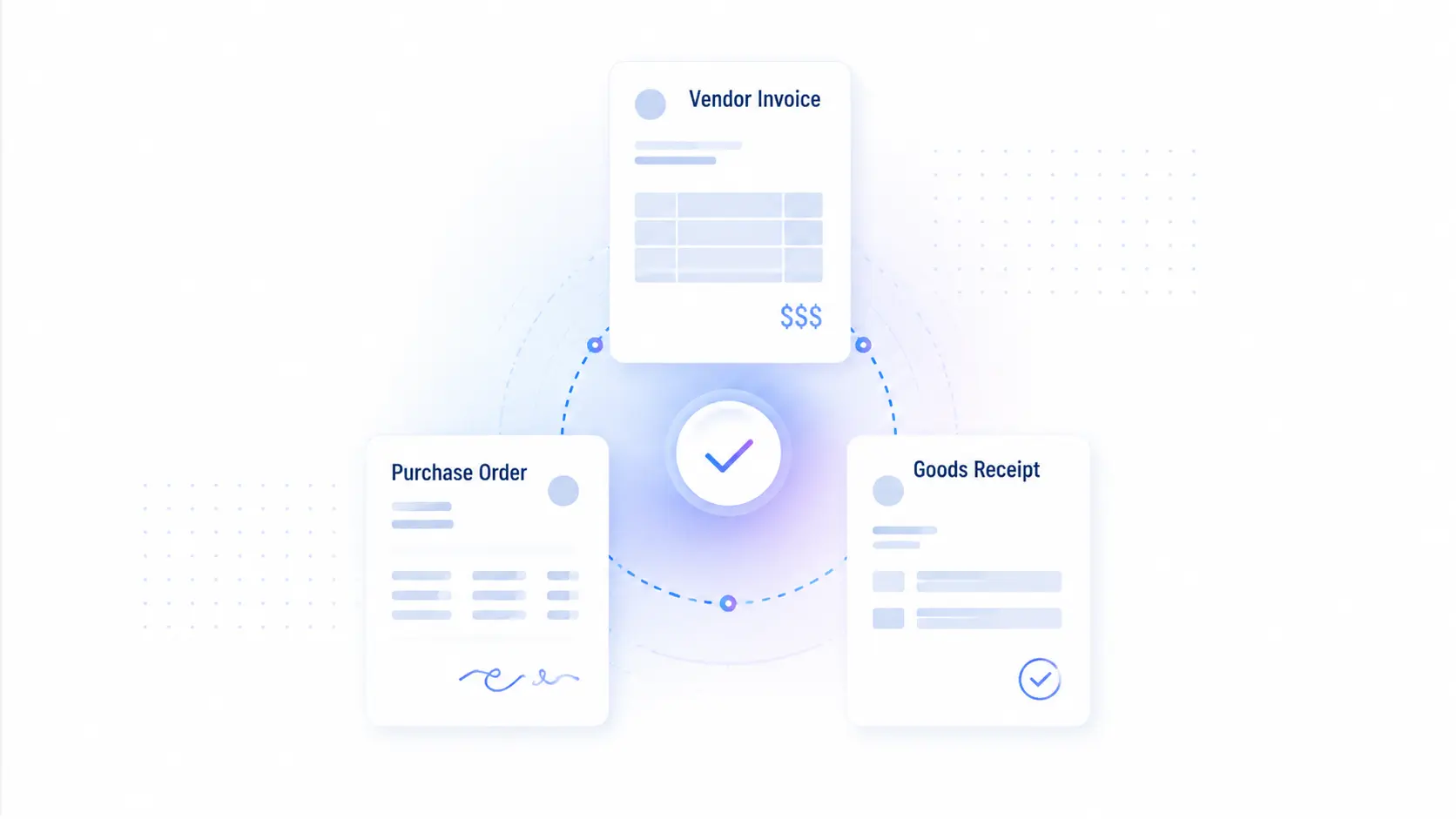
Ask any AP team running NetSuite where three-way matching actually breaks, and the answer is rarely the match itself. It is the missing item receipt. NetSuite 3-way matching compares a purchase order, an item receipt, and a vendor invoice before payment approval, and it only works when the receipt is already recorded. When goods arrive but no one records the receipt, the invoice shows up first and the whole match falls back to manual chasing.
This post explains how Stampli handles NetSuite 3-way matching when receipts are missing: what syncs from NetSuite, how invoices match against the item receipt, how missing-receipt exceptions get routed, and where receipt confirmation sits in the timeline. If you run a PO-heavy or distribution business, this is the detail that decides whether matching stays automated or turns into follow-up work.
How Stampli Handles Missing Receipts
Yes. Stampli proactively helps reduce missing-receipt exceptions. Stampli sends a receiving notification that prompts the assigned Receiver to confirm goods received earlier in the process, often before AP is chasing the invoice exception, so receipt status is available for matching while NetSuite remains the system of record for item receipts.
Underneath that, Stampli imports open POs and receiving data from NetSuite and matches invoices against the item receipt, including partial receipts. When an invoice still arrives without a matching receipt, Stampli flags the exception and routes it with full PO, receipt, and invoice context, so AP knows whether the problem is the PO, the receipt, or the invoice.
Stampli does not replace NetSuite as the place where item receipts are recorded. Receipts are entered in NetSuite, or through NetSuite receiving and WMS, and Stampli reads that receiving data to drive the match. The earlier a receipt is recorded in NetSuite, the cleaner the match when the invoice lands in Stampli.
What Stampli Syncs From NetSuite
Stampli’s Oracle NetSuite integration is Built for NetSuite verified and syncs the records that three-way matching depends on:
| Synced from NetSuite | Role in matching |
| Open POs | Establishes what was ordered |
| PO line items | Enables price and quantity matching at the line level |
| Receiving data | Confirms what was actually received |
| Custom fields and custom segments | Preserves company-specific coding |
| Subsidiaries, departments, projects, locations | Keeps OneWorld and operational context intact |
| Vendor and payment data | Closes the loop from match to payment |
Stampli imports open POs and receiving data, and exports the appropriate data back, including any changes made to the PO in Stampli. The sync is bidirectional, so the PO, receipt, and invoice records stay linked across both systems.
How Stampli Matches Against the Item Receipt
Stampli’s procure-to-pay platform supports two-way and three-way PO matching, including matching against the item receipt. The matching engine handles the messy reality of PO-heavy receiving:
- POs with GL only, items only, or both
- PO and invoice amount mismatches
- Multiple POs applied to a single invoice
- Partial receiving and partial shipments
- Dropship POs
- Customer-defined tolerances and line-level adjustments
When a PO is selected, header and line-level details auto-populate on the invoice, so the match starts from NetSuite data rather than manual entry. This is the foundation of a working 3-way invoice matching workflow: the invoice is compared to both what was ordered and what was received.
What Happens When the Receipt Is Missing
This is the question that matters most for distribution, manufacturing, and logistics teams.
If a company orders 100 units, receives 90, and is invoiced for 100, the item receipt is what surfaces the quantity mismatch. When that receipt is present in NetSuite, Stampli catches the variance at the line level automatically. When the receipt is missing, the invoice becomes an exception.
Here is how Stampli handles that exception today:
- The invoice arrives and Stampli attempts a match against the PO and any available receiving data.
- If no item receipt is found, or the received quantity does not cover the invoiced quantity, Stampli flags the line as an exception.
- The exception is routed inside Stampli with full PO, receipt, and invoice context attached, so the reviewer can see exactly what is missing.
- AP, the requester, or the receiving owner resolves the exception, and the corrected receipt is reflected in NetSuite.
The advantage over manual invoice matching is that the exception carries its context. The reviewer does not start from a blank invoice and reverse-engineer what went wrong. They see the PO, the received quantity, and the gap in one place.
Receiving Notifications: Confirming Receipt Earlier
The best way to handle a missing receipt is to make sure it is never missing. Stampli sends an automatic receiving notification that prompts the assigned Receiver to confirm what arrived, earlier in the process rather than after the invoice has stalled in AP.
The notification asks the person who actually owns the delivery to record receipt status:
- Full receipt
- Partial receipt with quantity
- Non-receipt
- Damaged or incorrect goods
- Backordered items
Because the prompt goes to the assigned Receiver earlier in the process, receipt status is available for matching while NetSuite remains the system of record for the item receipt itself. That turns three-way matching from a reactive exception hunt into a confirmation that already happened. For PO-heavy teams, this is the difference between matching against what was actually received and chasing a receipt after the invoice has already stalled in AP.
Where Receipt Confirmation Sits in the Timeline
Timing is the difference between a clean match and a manual chase, and Stampli moves receipt confirmation earlier in the process.
With receiving notifications, the assigned Receiver is prompted to confirm receipt earlier, so receipt status is captured ahead of matching and NetSuite stays the system of record for the item receipt. Stampli also reads any receiving data already entered in NetSuite directly, so a receipt recorded at the point of delivery feeds the match the moment the invoice lands.
For PO-heavy businesses, the practical takeaway is that confirmation happens upstream, not after the fact. Prompting the Receiver early means fewer invoices hit AP as exceptions, and the purchase order to invoice process stays automated from receipt through payment.
Why This Matters for Distribution and PO-Heavy Teams
For distribution, manufacturing, and transportation and logistics companies, receiving is high-volume and rarely clean. Shipments arrive partially. One PO spawns multiple invoices. Freight and tax differ from the original order. In these environments, the value of AP automation is not just faster invoice processing. It is whether the platform can match against what was actually received and route the gaps when it cannot.
Stampli is built for that complexity: line-level matching, partial receiving, multiple POs to one invoice, and exception routing that preserves NetSuite context.
How AP automation helps: instead of catching receipt problems only after an invoice becomes a payment risk, Stampli prompts the assigned Receiver to confirm receipt earlier in the process, reads NetSuite receiving data, matches at the line level, and routes any remaining gaps with context so the right owner can resolve them quickly. To extend control further upstream, Stampli Procurement captures purchase requests, applies budget checks and approval routing before commitment, and tracks PO-backed purchases so fewer surprises reach AP later.
Questions to Ask Any NetSuite AP Vendor
When evaluating AP automation for NetSuite three-way matching, ask:
- Can the platform sync NetSuite open POs, line items, and receiving data?
- Does it match against the NetSuite item receipt, including partial receipts?
- Can it proactively prompt the Receiver to confirm receipt earlier in the process?
- What happens when an invoice arrives and no receipt exists yet?
- Does the exception carry PO, receipt, and invoice context, or does the reviewer start from scratch?
- Can it handle multiple POs to one invoice, dropship POs, and amount mismatches?
- Does it support OneWorld subsidiaries, custom fields, and custom segments?
- Are records linked bidirectionally between the platform and NetSuite?
In Summary
NetSuite three-way matching works when the PO, the item receipt, and the invoice are present, accurate, and connected. It breaks when the receipt is recorded too late or not at all.
Stampli helps keep receipts from going missing in the first place: a receiving notification prompts the assigned Receiver to confirm goods received earlier in the process. Stampli then syncs NetSuite receiving data, matches invoices against the item receipt including partial receipts, and routes any remaining exceptions with full context so AP is not chasing blind. For PO-heavy and distribution teams, that combination of line-level matching and context-rich exception routing is what keeps three-way matching automated instead of manual.
To see how Stampli matches against your NetSuite POs and receipts, explore the Oracle NetSuite integration.