
Stampli Card
Spend management, not spend encouragement
A credit limit isn’t a budget.
Stampli Card brings AP Cards and Expense Cards into your existing P2P workflows. AP Cards issue from approved requests with pre-set controls and pre-coded GLs, while Expense Cards let employees request cards or reload funds under finance guardrails. Real-time posting and mobile receipt prompts reduce reconciliation gaps and month-end cleanup.

Card programs should reward intent, not volume
Traditional card programs are built to drive more spend—because that’s how they generate revenue. Stampli keeps card activity inside the same control model finance already uses for requests, approvals, coding, and reconciliation, so purchases move with more context, accountability, and visibility before they turn into downstream cleanup.
Key facts of Stampli Cards
Cards inside your P2P workflow
AP Cards and Expense Cards operate inside the same request, approval, and coding environment finance already uses, reducing fragmented tools and manual handoffs.
Control before spend happens
Issue cards from approved requests, enforce spending limits, and maintain clear approval ownership so guardrails are applied before transactions turn into cleanup work.
Transaction data posts with context intact
Pre-coded GL and project data flow with the transaction, helping teams reduce manual coding, reconciliation gaps, and end-of-month correction work.
Employee flexibility without losing finance oversight
Employees can request cards or reload funds quickly, while finance keeps control through configurable approvals, card-level limits, and real-time visibility into card activity.
One card program, two ways to control spend
Support vendor purchases with AP Cards and employee spend with Expense Cards without creating a parallel process outside P2P. Finance gets proactive guardrails before money is committed, cleaner coding when transactions post, and less cleanup after the fact.
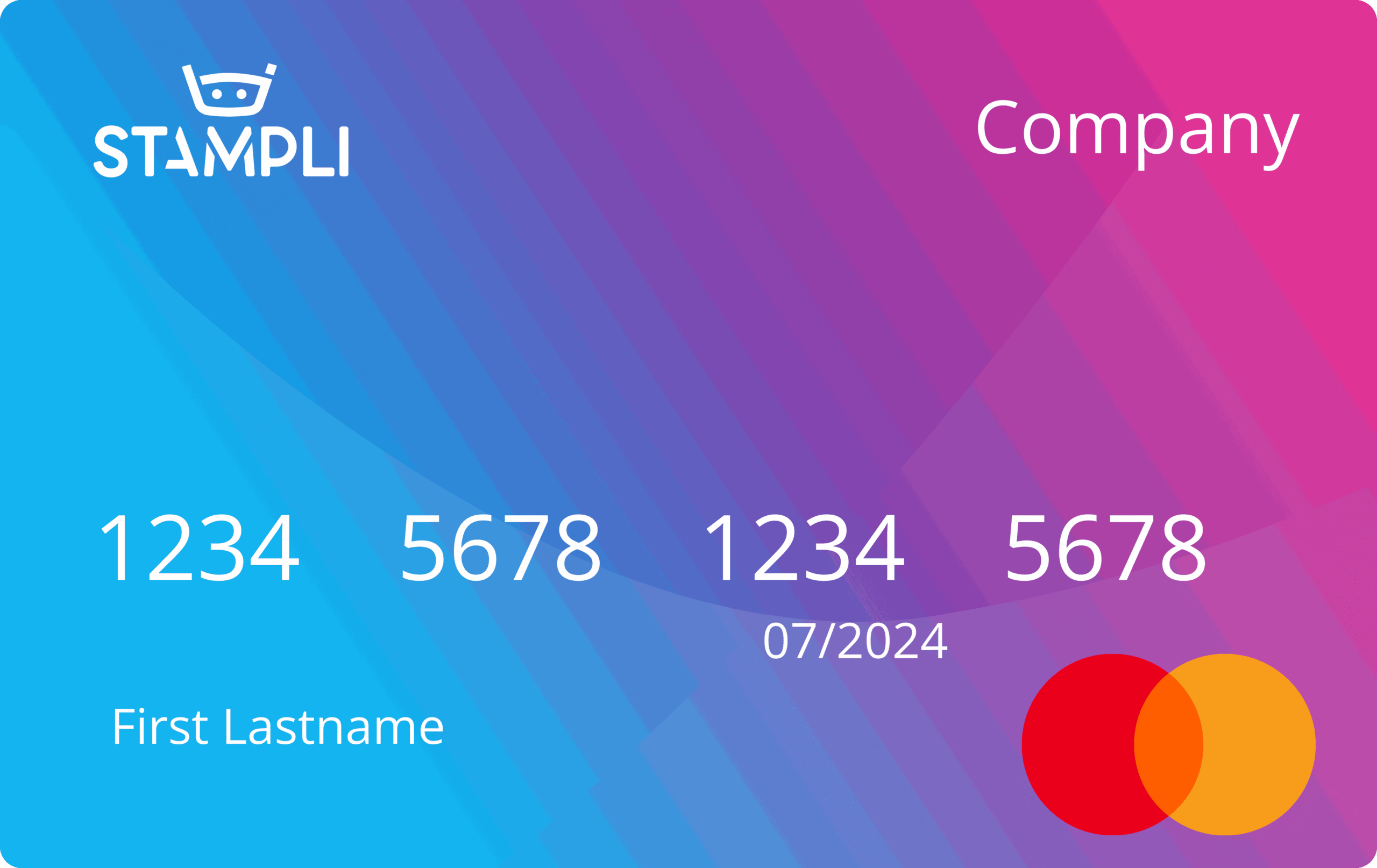
AP Cards
Use AP Cards for vendor purchases that originate from approved purchase requests. Each card can inherit preset controls and pre-coded accounting data so card spend follows the same approval discipline and ERP alignment as the rest of your P2P workflow. Learn More.
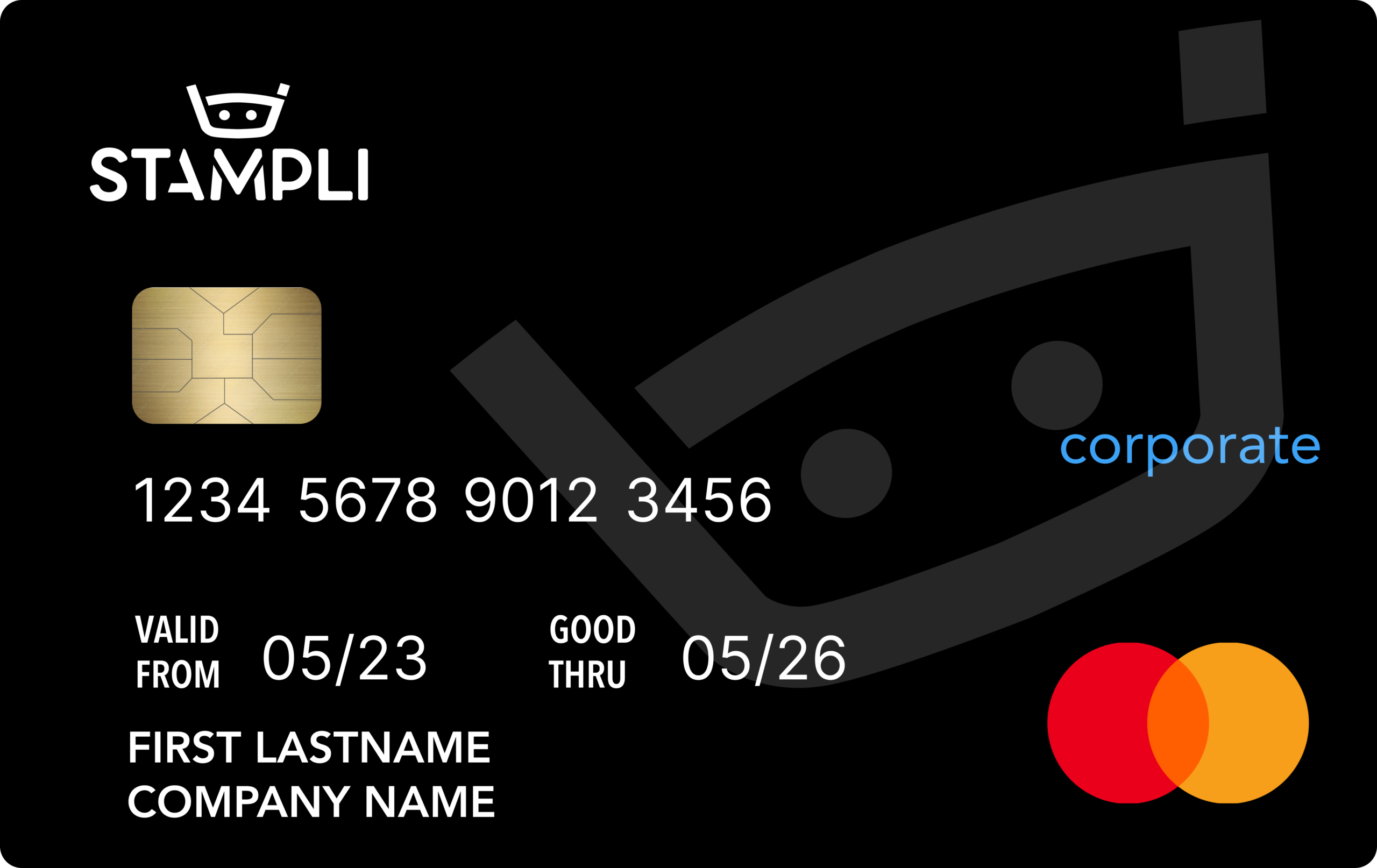
Expense Cards
Give employees a way to request cards and reload funds without shifting finance into reimbursement or cleanup mode. Expense Cards keep requests, approvals, spend controls, receipt collection, and transaction visibility connected in one system. Learn More.
Key features of Stampli Credit Cards
Physical and virtual corporate credit cards
Issue the right card format for the spend type while keeping centralized controls and visibility across the program.
AP Cards treated like invoices in your approval workflow
Route vendor card purchases through the same approval logic and operational controls finance already trusts for AP.
Expense Cards with employee-initiated requests
Let employees request cards or reload funds without bypassing policy, while approvers retain clear task ownership and oversight.
Pre-coded transactions inherit GL and project codes
Carry approved accounting context into the transaction so spend lands in the right place with less manual coding and fewer reconciliation gaps.
Spending limits by cardholder, merchant category, or vendor
Apply proactive guardrails that reflect who is spending, where they can spend, and how much can be committed.
Real-time transaction posting
Surface card activity as it happens so finance can monitor open items, enforce controls, and keep close moving.
Mobile receipt prompts
Prompt cardholders to attach documentation when purchases occur, reducing receipt chasing and month-end follow-up.
ERP-synced card data
Synchronize transaction details back to the ERP with coding and workflow context intact, improving visibility and reducing rework.
Stampli Cards Success Stories
CASE STUDY
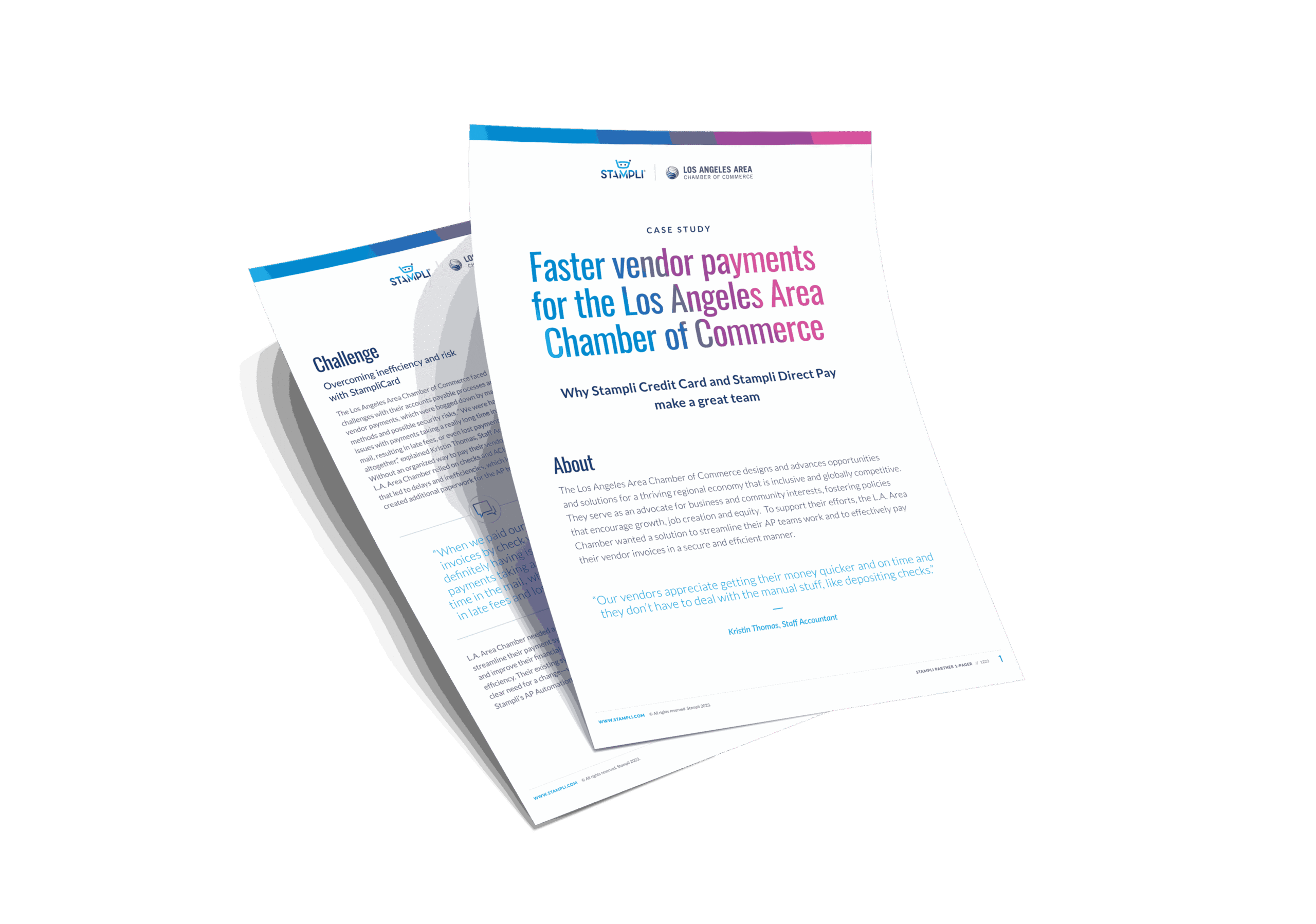
Faster vendor payments for the Los Angeles Area Chamber of Commerce
Learn how the L.A. Area Chamber of Commerce overcame challenges with their manual vendor payments by adopting Stampli Cards to pay vendors faster and more securely.

“We’ve gotten our card closing down to 4 days. We now have visibility into outstanding transactions and can target communications to anyone with pending issues. We’ve even increased the number of receipts attached to transactions by 65%.”
-AMANDA BROWN,
Controller
Wenspok Companies

“I looked through our vendors to see who we could easily pay with credit cards and set Stampli Card as the default payment method. This way I could easily process the invoice and make payments on time, which cut down on late fees and lost payments.”
-KRISTIN THOMAS,
Staff Accountant
Los Angeles Area Chamber of Commerce
“Our vendors are happier with on-time payments, and we’re spared from the manual deposit processes. It’s an all-around improvement.”
-KRISTIN THOMAS,
Staff Accountant
Los Angeles Area Chamber of Commerce
Stampli Cards FAQs
How is Stampli Card different from standalone expense management tools?
Standalone expense tools manage spend after it happens. Stampli Card keeps spend inside your procure-to-pay workflow, where approvals, controls, and coding are applied before the transaction occurs. Instead of reconciling expenses after the fact, finance maintains visibility and control upfront, with every purchase tied to the same workflow, context, and audit trail as the rest of spend.
How is Stampli Card different from a typical corporate card program?
Most card programs are optimized to increase volume. Stampli Card is built to increase intent by keeping card issuance, approvals, coding, limits, and transaction visibility inside your existing P2P workflow so finance stays in control before money moves.
What is the difference between AP Cards and Expense Cards?
AP Cards are designed for vendor purchases and can be issued directly from approved purchase requests with preset controls and pre-coded accounting data. Expense Cards are designed for employee spend and let employees request cards or reload funds while finance maintains upfront guardrails.
How does Stampli Card keep control over spend?
Stampli Card applies configurable approval workflows, card-level controls, pre-coded transactions, and spending limits by cardholder, merchant category, or vendor so finance can guide spend before it becomes an after-the-fact cleanup exercise.
Do card transactions sync back to the ERP?
Yes. Stampli Card synchronizes transaction details back to the ERP while preserving the workflow and coding context attached to each purchase.
Can employees request cards or reload funds?
Yes. Expense Cards support employee-initiated requests and reloads, while finance keeps approval ownership, spending controls, and visibility over how funds are used.
How does Stampli Card contribute to less headcount and smarter spending?
Less headcount comes from eliminating parallel card systems, reducing receipt chasing, and cutting down reconciliation and coding work. Smarter spending comes from making approvals, controls, and accounting context part of the decision before spend happens instead of after the transaction posts.