Vendor payments follow the AP process. Employee purchases follow the expense process. Nobody forces both into one generic card workflow.
Control before.
Context after.
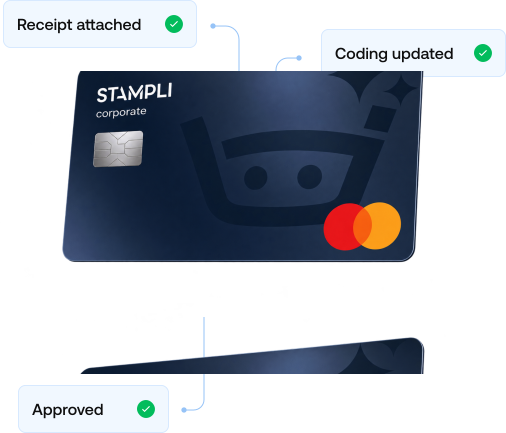
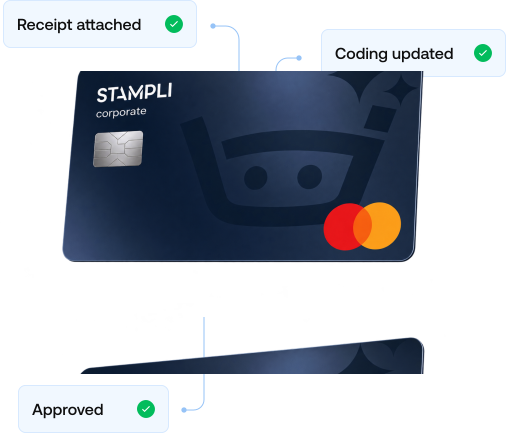
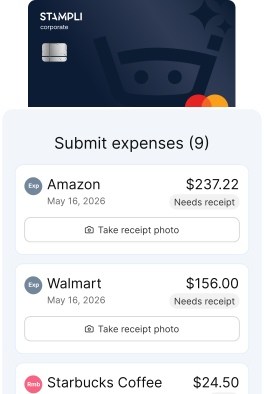
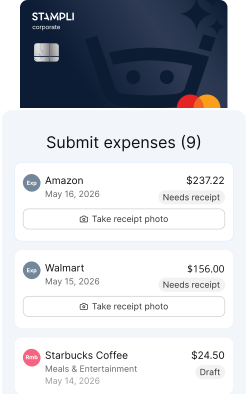
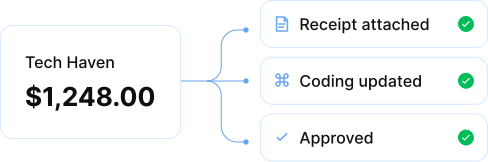
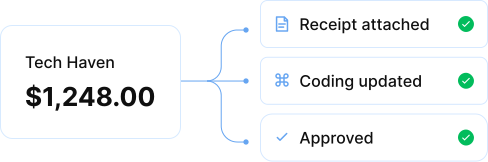
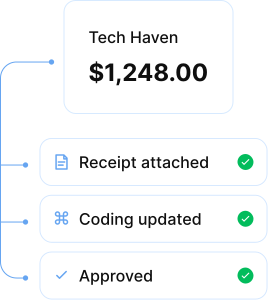
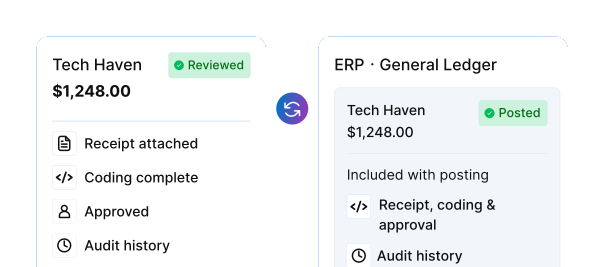
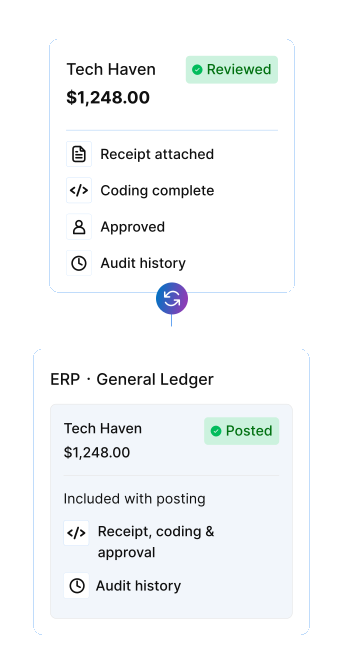
Approvals and targeted card controls apply before the spend. Receipts, coding, policy decisions, and review history stay attached after it.
Keep cards inside the finance process
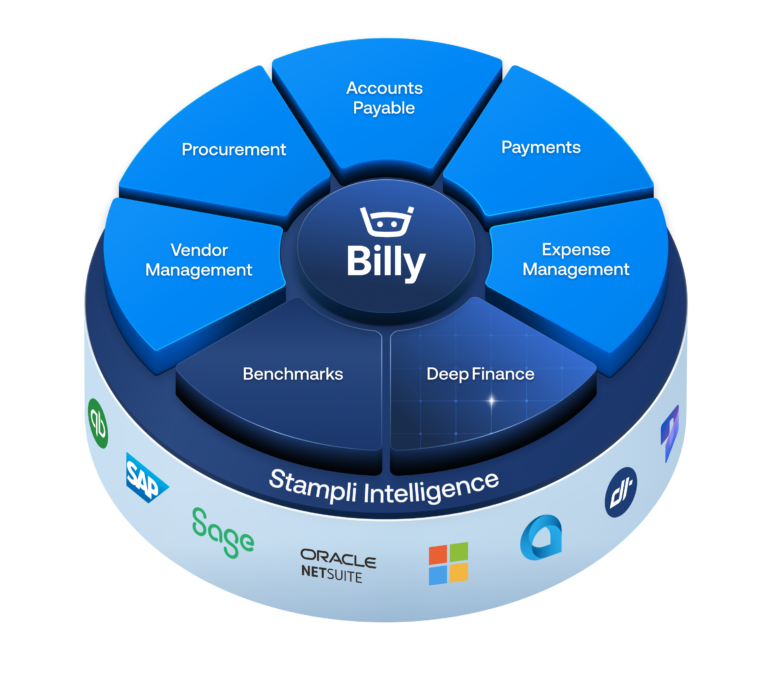
Requests, invoices, employee expenses, card payments, and ERP records stay part of one connected Procure-to-Pay platform.
From card transaction to controlled finance record
Before Stampli
Disconnected systems.
More manual work.
Different purchases go through the same card program, no matter who owns the work afterward.
A credit limit is the main control, and finance learns the purpose after the transaction.
Finance receives a card feed and starts hunting for receipts, invoices, coding, and explanations.
Receipts and invoices arrive by email, if they arrive, weeks after the charge.
Vendors wait on checks while employees wait on reimbursement.
Accounting reconstructs card activity before it can be posted and reconciled.
With Stampli Card
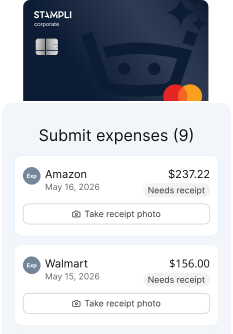
With Stampli Expense
Management
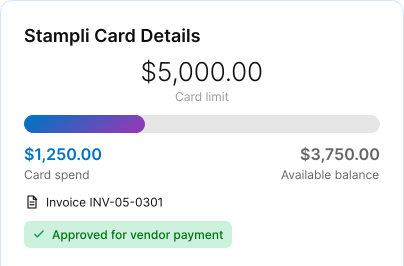
AP Cards handle vendor payments. Expense Cards handle employee spend.
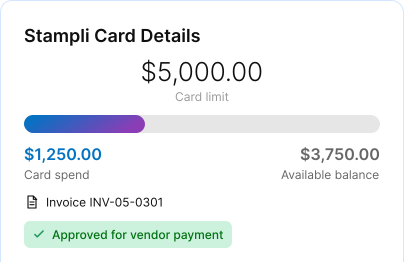
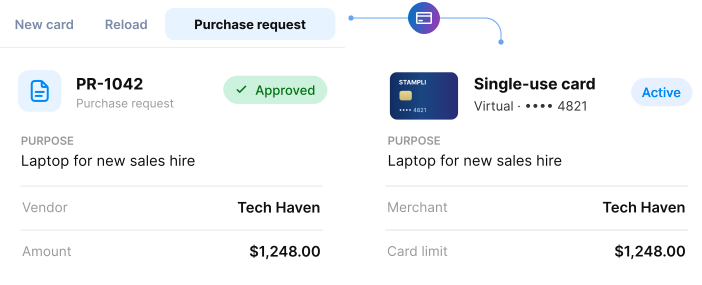
Requests, approvals, purpose, limits, and targeted controls shape the card before use.
Each transaction follows the finance workflow that fits the spend.
The receipt or invoice attaches to the transaction it explains.
Vendors get paid by card and employees spend on a card that was approved first.
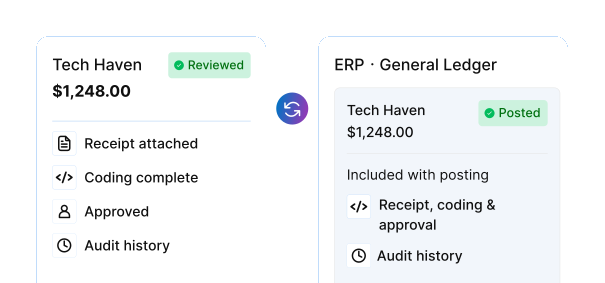
Reviewed transactions reach the ERP with their accounting and decision history attached.
Every card transaction, connected to the process behind it
FAQs
FAQs
Corporate card software helps finance teams issue and manage business cards, set spending controls, review transactions, collect documentation, and prepare card activity for accounting.
AP Cards are virtual cards used to pay vendors through Accounts Payable. Expense Cards are physical or virtual cards issued to employees for purchases handled through Expense Management.
Yes, and most customers do. Vendor payments follow the AP workflow, employee purchases follow the expense workflow, and finance sees both in one record.
No. Stampli Card is how Accounts Payable and Expense Management pay by card. There is no separate portal, feed, or reconciliation to manage.
Yes. An approved purchase request can become a Stampli Card, carrying the original request and approval into the card's limit and controls.
Yes. Card activity stays aligned with the ERP's GL accounts, dimensions, entities, invoices, expenses, and payment records, and the ERP remains the system of record.